In 2026, video editing software sits at the center of the creator economy. Cameras capture moments, but editing shapes meaning. Whether you’re producing TikTok, YouTube videos, travel vlogs, tutorials, or short-form clips for social platforms, editing is where raw footage turns into engaging content that holds attention and builds an audience.
Today’s creators face constant pressure to publish faster without lowering quality. That’s where modern content creation software comes in. Editing tools are no longer built just for filmmakers or studios, they’re designed for solo creators who need speed, flexibility, and platform-ready results.
From trimming clips and cleaning audio to exporting in multiple formats, the right editor simplifies the entire workflow, especially when paired with essential gear from the best vlogging accessories guide.
What Video Editing Software Really Does for Creators
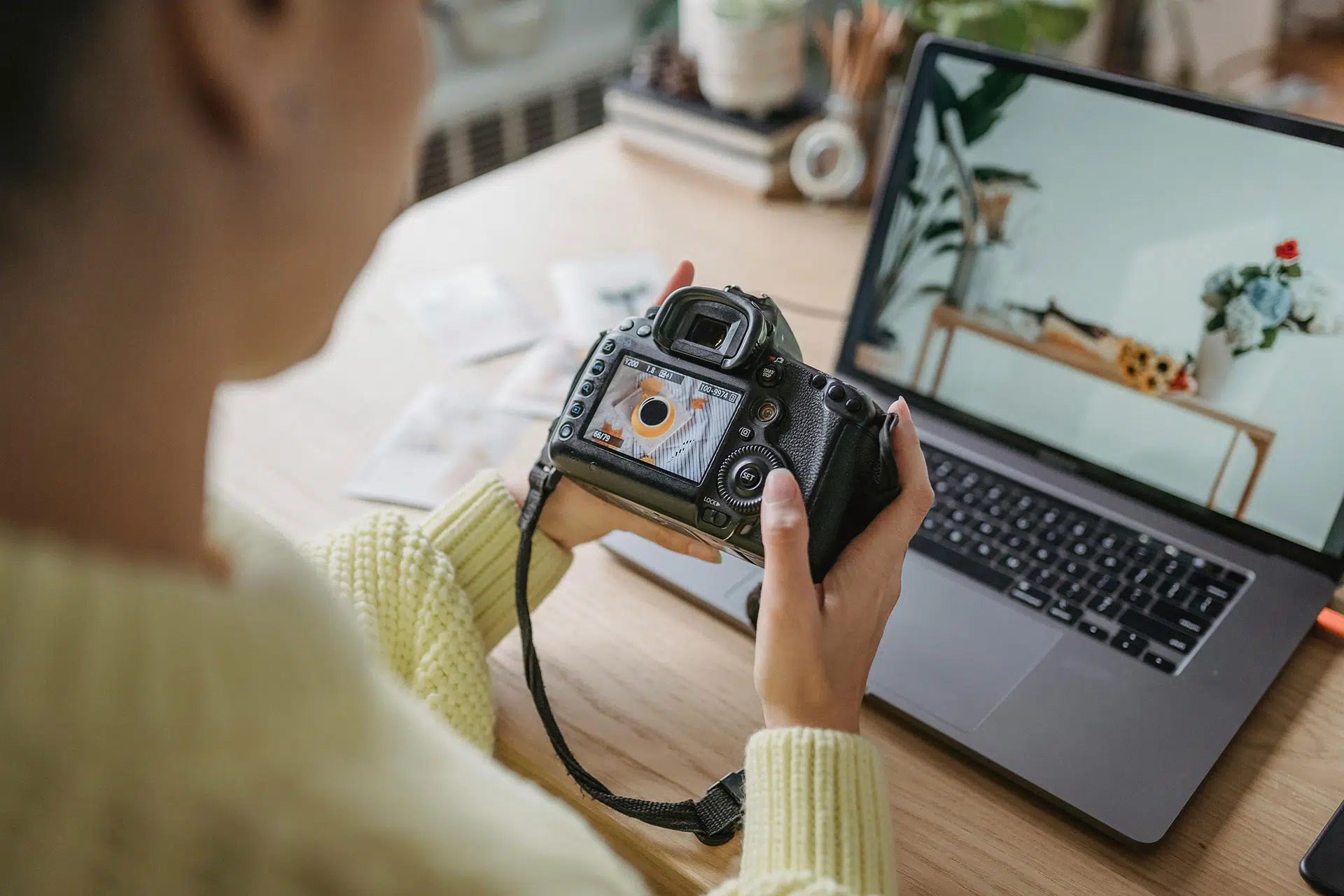
At its core, video editing software allows creators to assemble clips into a coherent story. But in 2026, its role goes far beyond cutting and arranging footage. Editing software controls pacing, emotion, sound quality, and visual consistency, elements that directly affect how viewers experience your content.
For creators using compact cameras, mobile phones or all-in-one devices, editing software bridges the gap between capture and polish. Footage shot on modern vlogging cameras can be elevated significantly through proper color correction, audio cleanup, and thoughtful pacing during editing.
Why Video Editing Software Matters More Than Ever in 2026
The content landscape has changed dramatically. Audiences scroll faster, platforms reward consistency, and competition is constant. In this environment, creators need tools that support frequent publishing without burnout.
Modern video production software helps creators work smarter, not harder. Faster rendering, smoother playback, and better file handling make it easier to work with high-resolution footage, including aerial clips captured using camera drones. Editing software ensures all footage ground or aerial, blends seamlessly into one cohesive video.
How Video Editing Fits Into Content Creation Software Workflows
Video editing software doesn’t operate in isolation. It’s part of a larger content creation software ecosystem that includes cameras, microphones, lighting, and publishing platforms. The best editors integrate seamlessly into this workflow.
For example, creators often record audio separately using external microphones. Editing software makes it easy to sync that audio, adjust levels, and remove background noise. For multi-camera setups, editors help align footage and maintain visual consistency through color matching.
As creators expand into different formats, long-form videos, short clips, reels, and stories, editing software becomes the hub that connects everything. A flexible editor allows creators to repurpose content efficiently without starting from scratch each time.
Key Features Creators Should Look For in Video Editing Software
Not all editing tools are built with creators in mind. When choosing video editing software, features should match how you actually work.
Ease of use is critical. A clean timeline, logical menus, and intuitive controls reduce the learning curve and speed up editing. Strong audio tools are equally important, especially for vloggers and educators who rely on voice clarity.
Export flexibility matters as well. Platforms require different aspect ratios, frame rates, and compression settings. Editors that offer platform-specific presets save time and reduce mistakes. Performance is another key factor, smooth playback and fast rendering keep editing sessions productive instead of frustrating.
Free vs Paid Video Editing Software: What Creators Should Know
Free video editing software has improved significantly, making it a strong starting point for many creators. These tools often include basic trimming, transitions, and exports without upfront cost.
Paid software, however, offers advantages as content grows. Better performance, advanced color grading, improved audio tools, and faster workflows can justify the investment for serious creators. The key is upgrading when your needs demand it, not simply because paid tools exist.
Many creators start free, then move into paid video production software as their output and ambitions increase.
Free Video Creator Tools For Creators
For beginners, simplicity and stability matter more than advanced effects. Not every creator needs professional-level timelines or complex features to get started. For students, first-time editors, and casual creators, a free video creator or easy video creator can be the perfect entry point into video editing. These tools are designed around speed, accessibility, and ease of use, making it possible to create clean, shareable videos without a steep learning curve.
An easy video creator typically offers a simplified interface, drag-and-drop timelines, and built-in templates. Instead of adjusting dozens of technical settings, creators can focus on trimming clips, adding music, inserting text, and exporting videos quickly. This is especially useful for TikTok creators, YouTubers just starting out, and anyone producing short-form or casual content who wants fast results with minimal effort.
Free video creator tools are also ideal for testing workflows before committing to paid software. Many provide enough features to produce high-quality videos, including basic color adjustments, transitions, and platform-ready export presets. While advanced tools like detailed color grading or multi-camera editing may be limited, free editors still offer everything needed to learn the fundamentals of pacing, storytelling, and audience engagement.
Top Beginner-Friendly and Free Video Editing Software
- iMovie – Completely free, simple, and reliable for Apple users learning basic video editing with no watermark.
- CapCut – A popular free video creator for short-form content, offering templates, captions, and fast exports on desktop and mobile.
- DaVinci Resolve (Free Version) – A powerful free option with no watermark, ideal for beginners who want room to grow into more advanced editing.
- Filmora – Beginner-friendly with creative tools that grow with your skills, though the free version includes a watermark.
For creators who want fast results without feeling overwhelmed, starting with a free or easy video creator builds confidence and consistency. As skills improve and projects become more complex, these tools naturally serve as a stepping stone toward more advanced video editing software, without slowing down the creative process.
Paid Video Editing Software for Creators Ready to Level Up
As creators gain confidence and publish more consistently, free tools can start to feel limiting. This is where paid video editing software becomes valuable. Paid editors are designed for creators who need better performance, more control, and advanced features that save time as projects grow in size and complexity.
Unlike free tools, paid video production software typically offers faster rendering, smoother playback with high-resolution footage, and more precise control over color, audio, and effects. These features are especially helpful for YouTubers working with long timelines, creators using multiple cameras, and anyone producing brand collaborations or monetized content.
Paid software also improves workflow efficiency. Features like reusable presets, advanced timelines, and better file organization help creators edit faster without sacrificing quality. For many creators, upgrading to a paid editor isn’t about adding flashy effects, it’s about reducing friction and editing with confidence.
Popular Paid Video Editing Software for Creators
- Adobe Premiere Pro – A professional-grade editor used by many YouTubers and content creators, offering deep control, strong audio tools, and excellent format support.
- Final Cut Pro – A one-time purchase option for Apple users, known for fast performance and an intuitive magnetic timeline.
- DaVinci Resolve Studio – The paid version of DaVinci Resolve, unlocking advanced color grading, AI tools, and performance enhancements.
- Filmora (Paid Version) – An accessible upgrade for beginners who want more effects, no watermark, and faster exports.
Choosing paid editing software makes sense when your content demands more flexibility, speed, or polish. If editing has become a regular part of your workflow—or a source of income—investing in the right paid tool can significantly improve both productivity and video quality.
Video Editing Tutorials and Downloadable Learning Guides

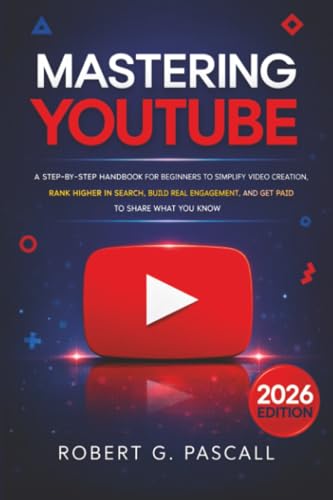
Learning video editing software becomes much easier with the right guidance. While online videos and quick tips can be helpful, many creators benefit from structured video editing tutorials they can download, save, and follow at their own pace. Downloadable learning guides are especially useful for beginners who want a clear path from basic editing to more polished results.
These tutorials are often available as digital guides or step-by-step courses focused on popular editing tools. They typically cover essential topics such as trimming footage, improving audio quality, adjusting colors, adding transitions, and exporting videos for different platforms. Because they’re designed for self-paced learning, creators can revisit sections whenever they need a refresher or want to practice a specific skill.
Downloadable video editing tutorials are also valuable for creators using free or easy video editing software. They help build strong fundamentals that apply across different editors, making it easier to transition to more advanced tools later. Instead of relying on scattered tips, structured guides provide consistency and confidence as skills improve.
For creators serious about improving their editing, keeping a few downloadable tutorials on hand can save time and reduce frustration. Whether you’re editing vlogs, short-form content, or long-form videos, these learning resources support steady progress and help you get the most out of your video editing software.
Choosing the Right Vlogging Editing Software for YouTube
Vlogging requires a balance between speed and control. Creators need tools that handle long timelines, clean audio, and consistent visuals without slowing down production.
Advanced vlogging editing software offers precise trimming, better sound tools, and color correction options that elevate video quality. These features help creators maintain a professional look across uploads, even when filming in different locations or lighting conditions.
For YouTubers publishing regularly, editing software also supports branding through reusable intros, lower thirds, and consistent color styles. Over time, this consistency strengthens channel identity and viewer recognition.
Best Social Media Video Editor Tools for Short-Form Content
Short-form content demands speed. Creators working on reels, shorts, and vertical videos need a social media video editor that prioritizes efficiency and format flexibility.
These editors often include templates, auto-captions, and vertical timelines that match platform requirements. The goal is fast turnaround without sacrificing clarity or visual appeal. Many creators use dedicated social media editors alongside more advanced tools for long-form content.
In 2026, short-form editing is no longer secondary, it’s a core part of most creator strategies.
Video Production Software for Creators Scaling Their Content

As creators scale, their editing needs change. Multi-camera setups, higher resolutions, and more complex storytelling require stronger tools. This is where professional-grade video production software becomes valuable.
These editors support advanced timelines, detailed color grading, and powerful audio controls. While they come with steeper learning curves, they also offer greater creative freedom. For creators working with brands, teams, or monetized channels, these tools provide long-term flexibility.
Scaling doesn’t mean abandoning simplicity, it means choosing software that grows with your workflow.
Editing Software for Different Types of Creators
Different creators prioritize different features. Daily vloggers value speed and audio clarity. Travel creators need strong color tools and stabilization support. Educators focus on screen recording and clean cuts. Social media creators need vertical exports and templates.
The best video editing software adapts to your content style rather than forcing you into a rigid workflow. Matching software to your creative goals leads to better results with less effort.
How Video Editing Software Works with Creator Gear
Editing software ties together all the gear creators use. It syncs audio from microphones, balances footage from different cameras, and integrates clips from drones or action cameras.
Good editors also make it easy to maintain consistency. Color matching ensures footage looks cohesive even when filmed on different devices. Audio tools help balance levels across clips, making videos more comfortable to watch.
As creator setups become more complex, editing software becomes the control center that keeps everything aligned.
How Creators Can Edit Faster Without Losing Quality
Efficiency improves with small workflow habits:
- Use presets for color, audio, and exports
- Learn keyboard shortcuts to speed up editing
- Create reusable templates for intros and outros
- Organize footage before editing begins
- These practices save time and reduce creative fatigue.
Common Mistakes Creators Make When Choosing Editing Software
One common mistake is choosing software that’s too advanced too early. Complex tools can slow down beginners and discourage consistency. Another mistake is ignoring platform requirements, leading to poor-quality uploads.
Creators also sometimes overlook hardware limitations. Even great software performs poorly on underpowered devices. Choosing editing software that matches your system is essential for smooth workflows.
FAQs About Video Editing Software
Is free video editing software enough for creators?
Yes, many free tools are powerful enough for beginners and even advanced users.
Do I need different software for YouTube and social media?
Not always, but some creators use separate tools for long-form and short-form content.
Is editing more important than camera quality?
In many cases, yes. Good editing can elevate average footage significantly.
Can editing software help grow a channel?
Indirectly, yes, better pacing, sound, and visuals improve viewer retention.
Final Thoughts: Choosing the Right Video Editing Software
Choosing the right video editing software is one of the most important decisions a creator can make. Editing defines how your content feels, how professional it looks, and how efficiently you can publish, whether you’re a TikTok creator producing short, fast-paced clips or a YouTuber working on longer, story-driven videos.
When editing 4K video content, having a fast and reliable laptop or desktop, along with essential creator gear for video editing, is just as important as the software itself. System performance directly affects playback smoothness, render times, and overall workflow, making capable hardware a key part of any serious editing setup.
Modern content creation software offers creators more power than ever before, but it performs best when paired with the right setup. Whether you rely on a fast social media video editor for TikTok and Instagram, flexible vlogging editing software for YouTube uploads, or advanced video production software for cinematic projects, a capable computer and well-chosen tools from a curated video editing accessories setup help keep editing smooth and frustration-free.
Start with tools that feel intuitive and match your platform goals. Focus on storytelling first, then refine pacing, sound, and visuals. As your content and confidence grow, let your editing software, and your setup, grow with you. When your tools support your creativity instead of slowing it down, creating becomes easier, and your audience can feel the difference.
*This post contains affiliate links. If you purchase through these links, I may earn a small commission at no extra cost to you. This helps support the site and allows me to continue sharing helpful guides & tips. Thank you for your support!