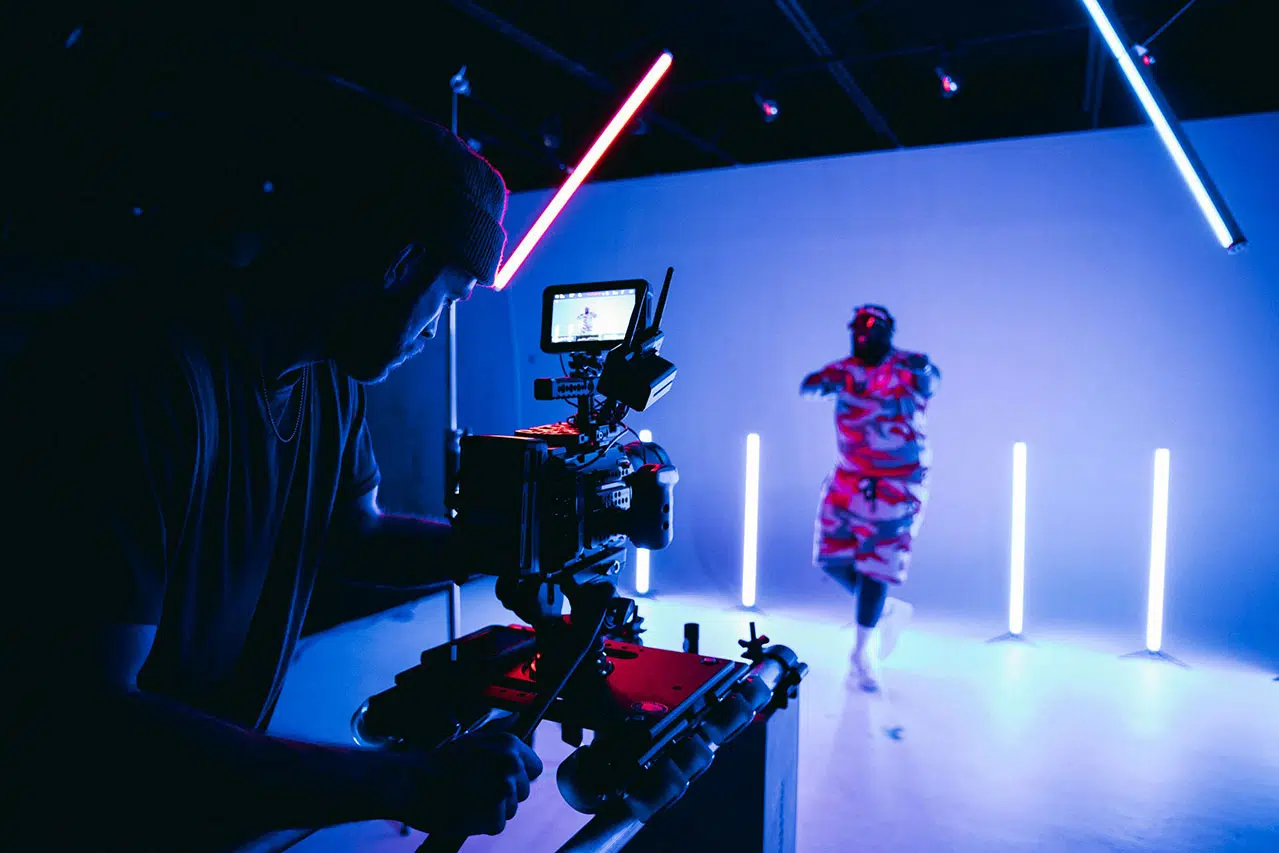
Did you know that you can apply and use film recipes for video shoots? If you love to use SOOC film recipes for still images without editing, you might also want to try these film recipes for cinematic videos. It is best for travel, creative shoots, music videos, and vlogging use if you want to save time. I’m referring to it as saving time because you will have the film recipe baked directly into the video, saving time without going through colour grading for the video. But of course, there are downsides to shooting using a film simulation recipe for video, such as you will have difficulty recovering the details, such as highlights or shadows, if your exposure is incorrect, e.g, overexposed or underexposed.
If you don’t mind all these colour-grading hassles, then continue reading as I’m about to reveal some video samples and the best film recipes for videos to achieve identical motion pictures and cinematic colour tones.
You can use video recipes with some lens FX filters and ND filters to achieve cinematic and dreamy videos. Some of the video recipes below are fine-tuned to create a certain mood for you, from a blueish to a teal tone to an orange moody tone that you frequently saw in motion picture films or music videos. Although it might not be identical to the real thing, at least you get something different and unique for your video shoot projects. Some of the video recipes are selected from the Fujifilm film simulation recipes used for low-light or night photography still images, and then fine-tuned for video use.
I already have 7 new video recipes that you can use to fill the slots in your custom settings. You can find the movie custom settings below.